Enter scores
 MyGolfStory
One hole at a time, for everyone in the game.
-
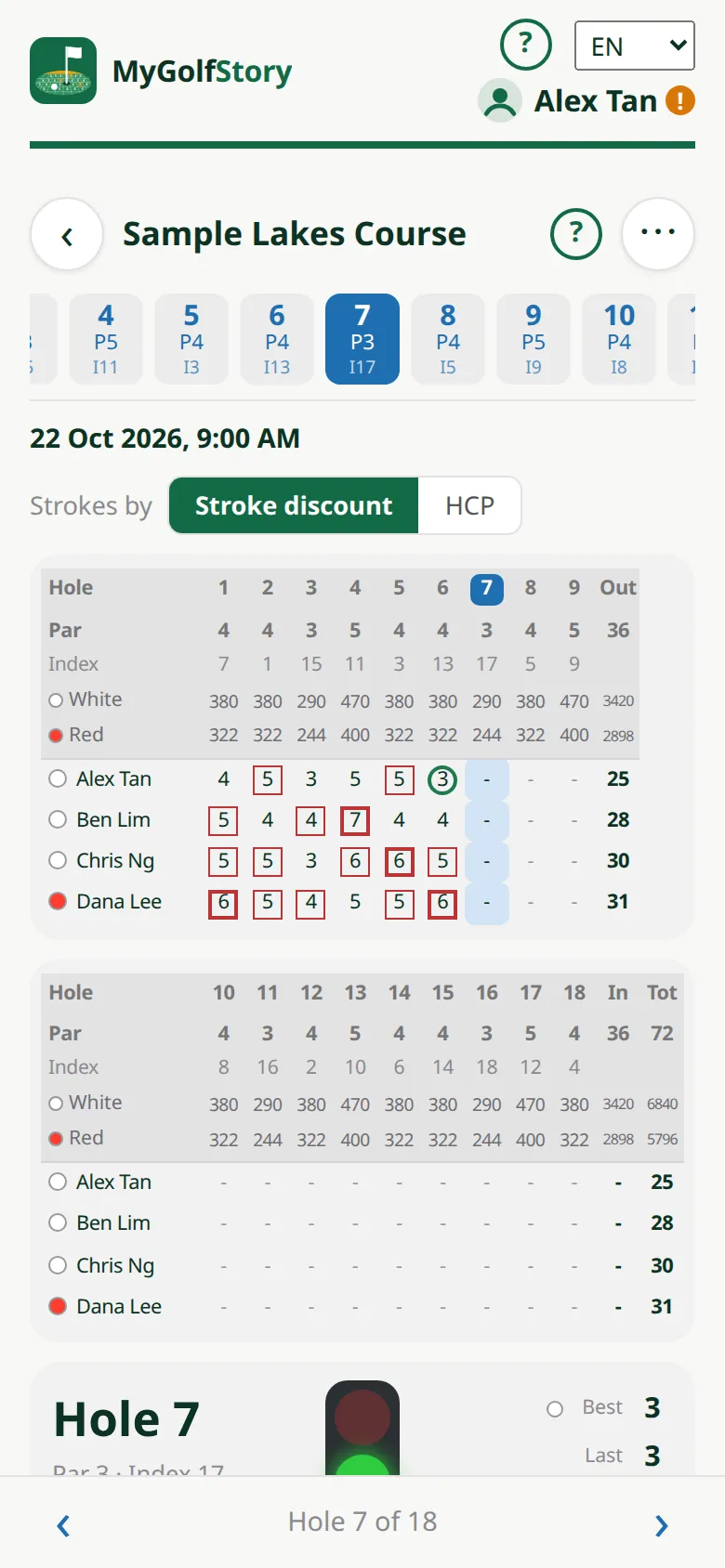
1The hole card
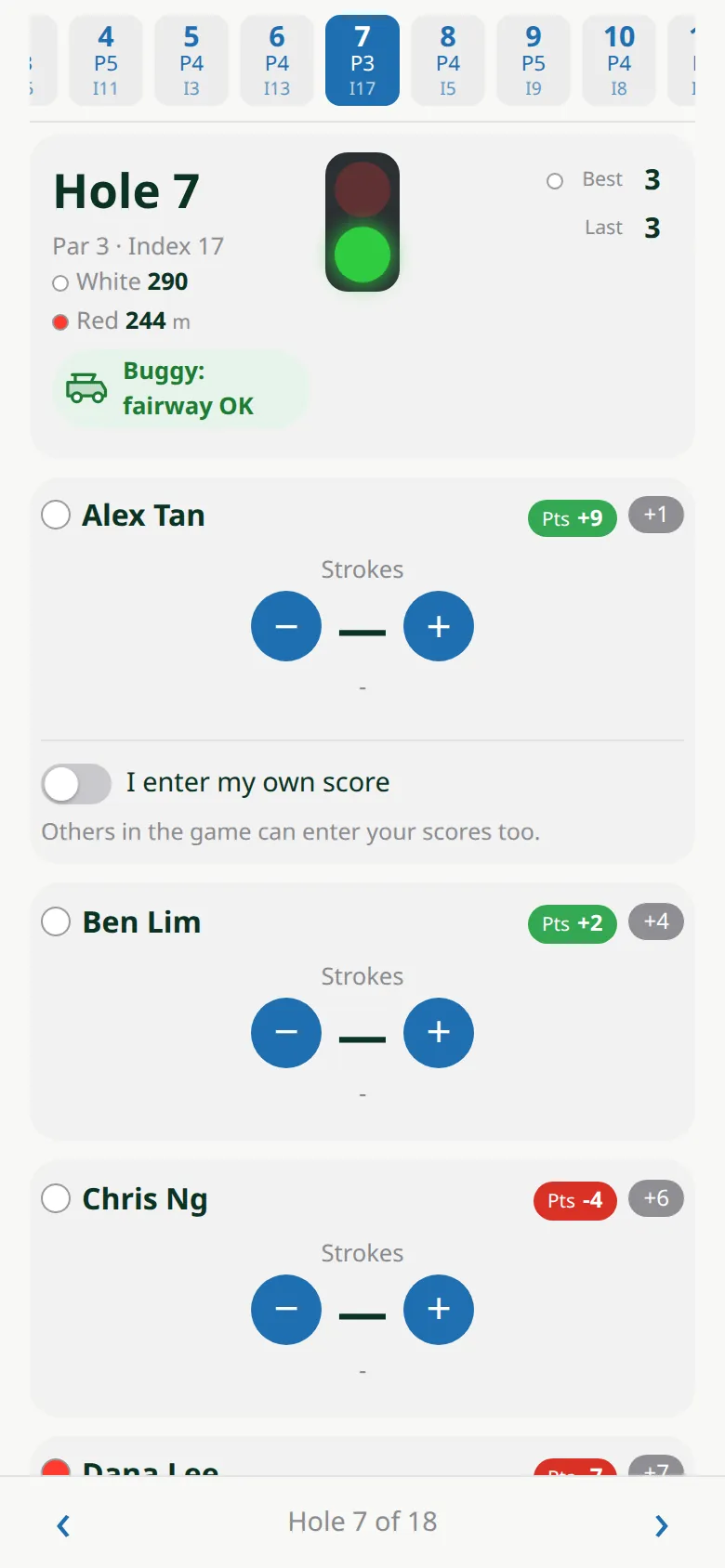
Each player has a row: the number in the middle is their score for this hole.
-
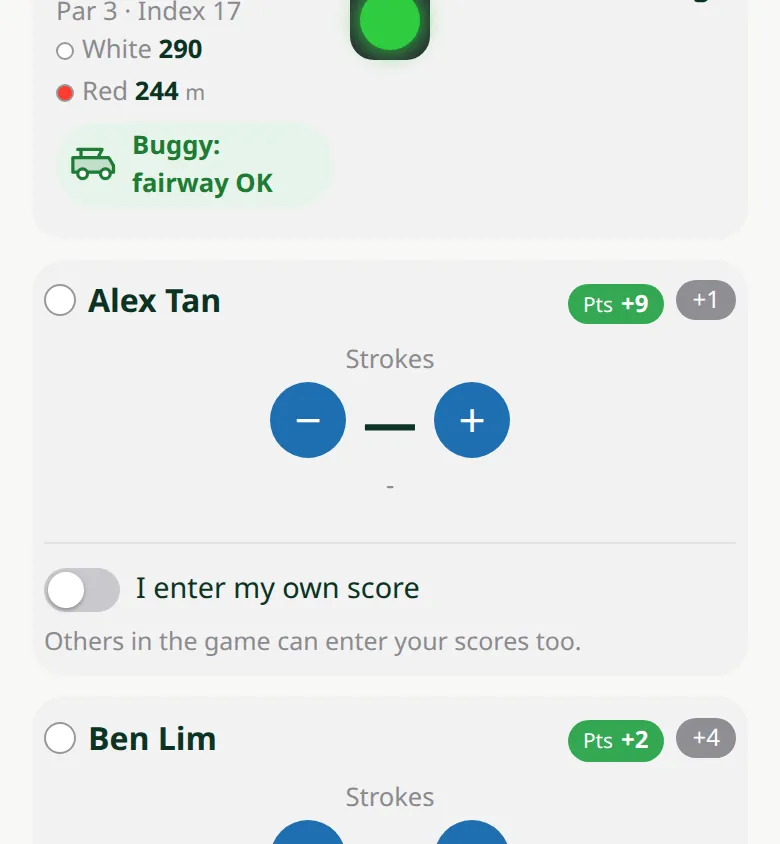
2Par, over or under
Tap the dash in the middle to set par, tap it again for double par, and once more to clear it. + / − go one over or under.
-
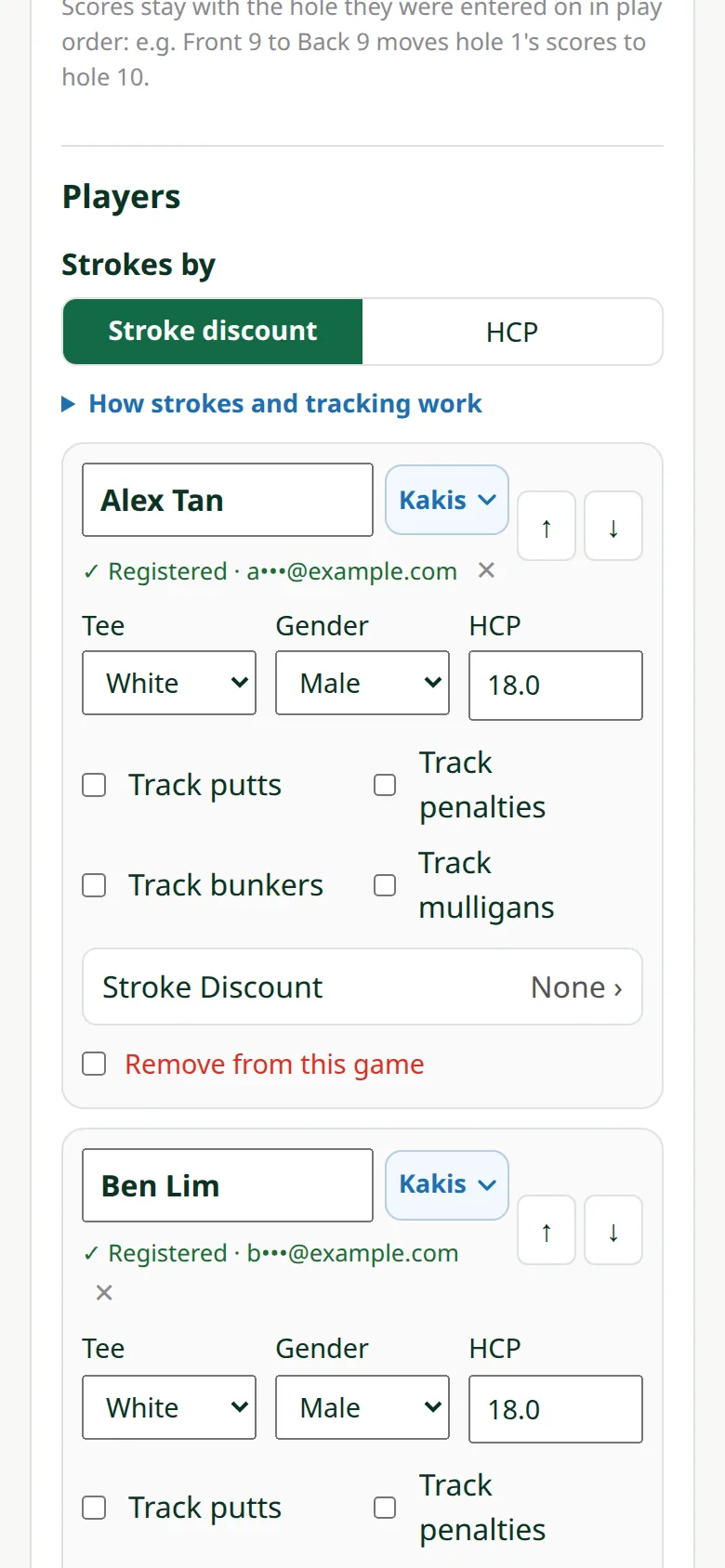
3Putts, penalties, bunkers
Turn them on per player in Edit game (Track putts / penalties / bunkers / mulligans).
-
4Just your own score
Anyone in the game can enter any player's score — or switch on I enter my own score.
-
5Next hole
Tap › for the next hole and ‹ to go back, or pick a hole from the list.

-
6Your best and last
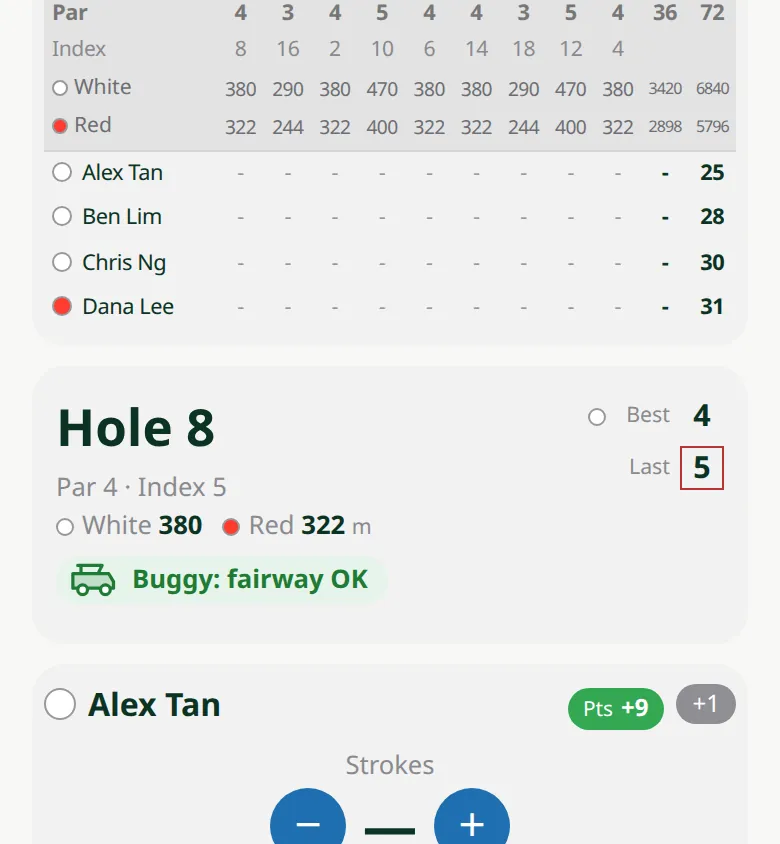
Beside the hole number, Best is your best score ever on this hole and Last your score on it the last time, from the same tee. They show for the organiser and for players entering their own score.