Sign your card
 MyGolfStory
Each player signs their own card, and their marker signs it too.
-
1Set the markers
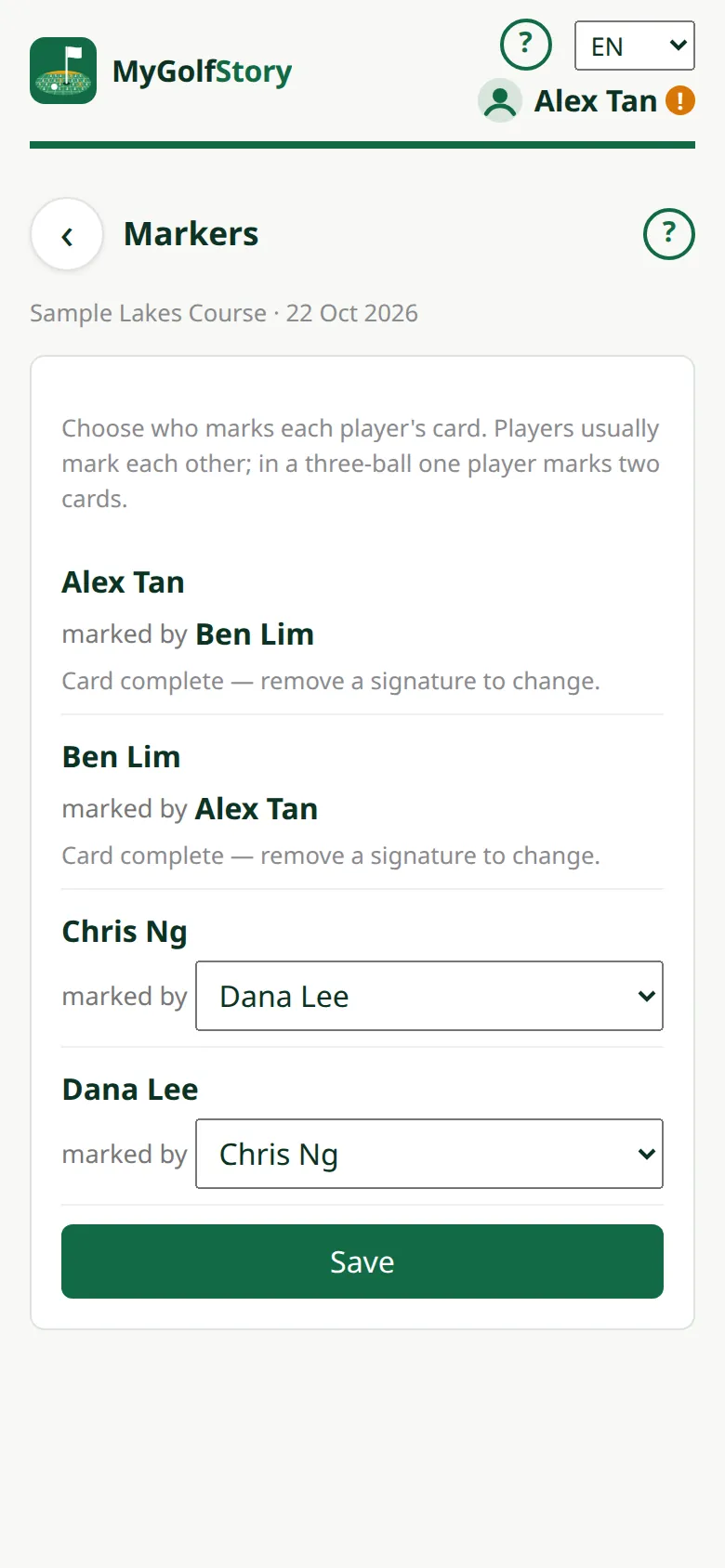
Tap Markers: players usually mark each other (1 and 2, 3 and 4); in a three-ball player 1 marks two cards. Change them during the game or after it.
-
2Sign
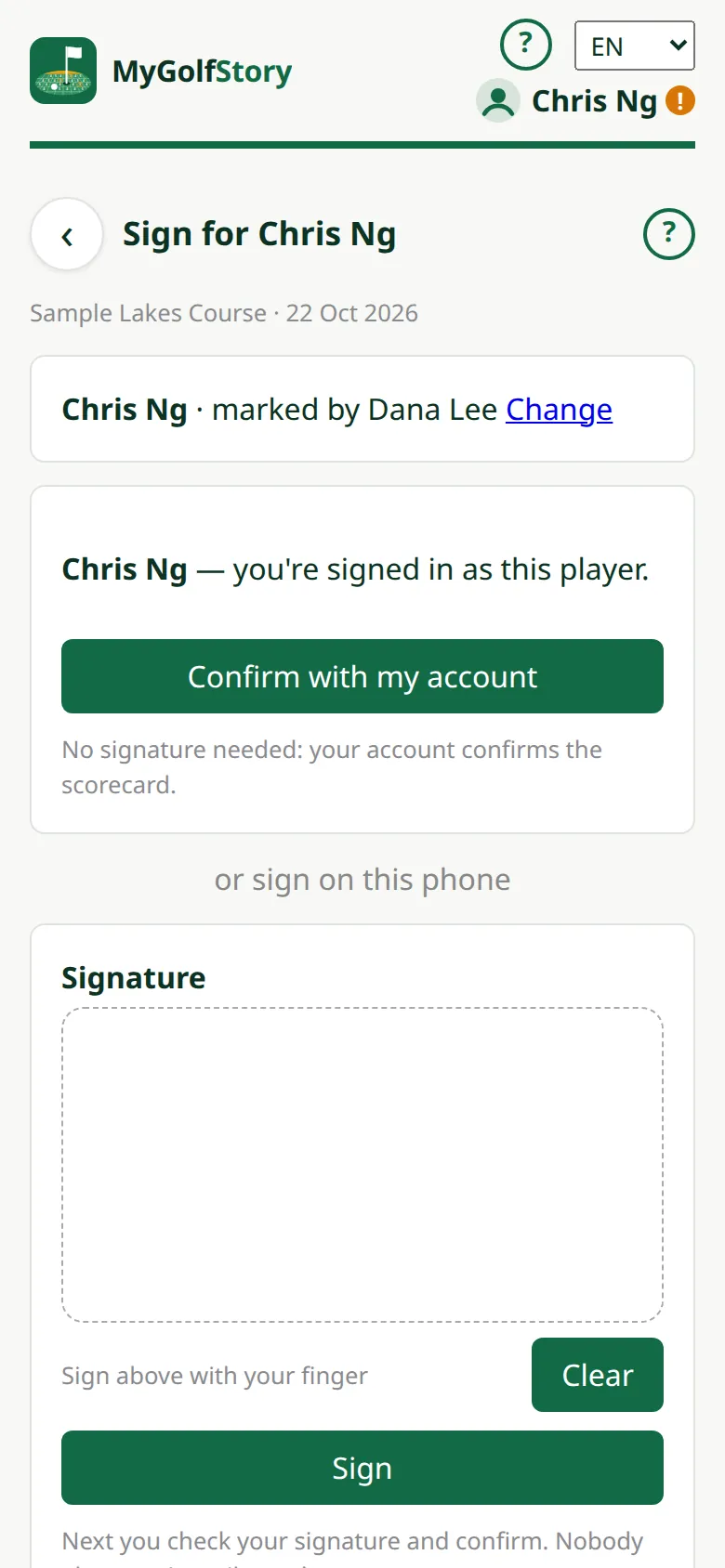
Tap Sign and draw your signature with a finger — or Confirm with my account when you're signed in as that player.
-
3Check and confirm
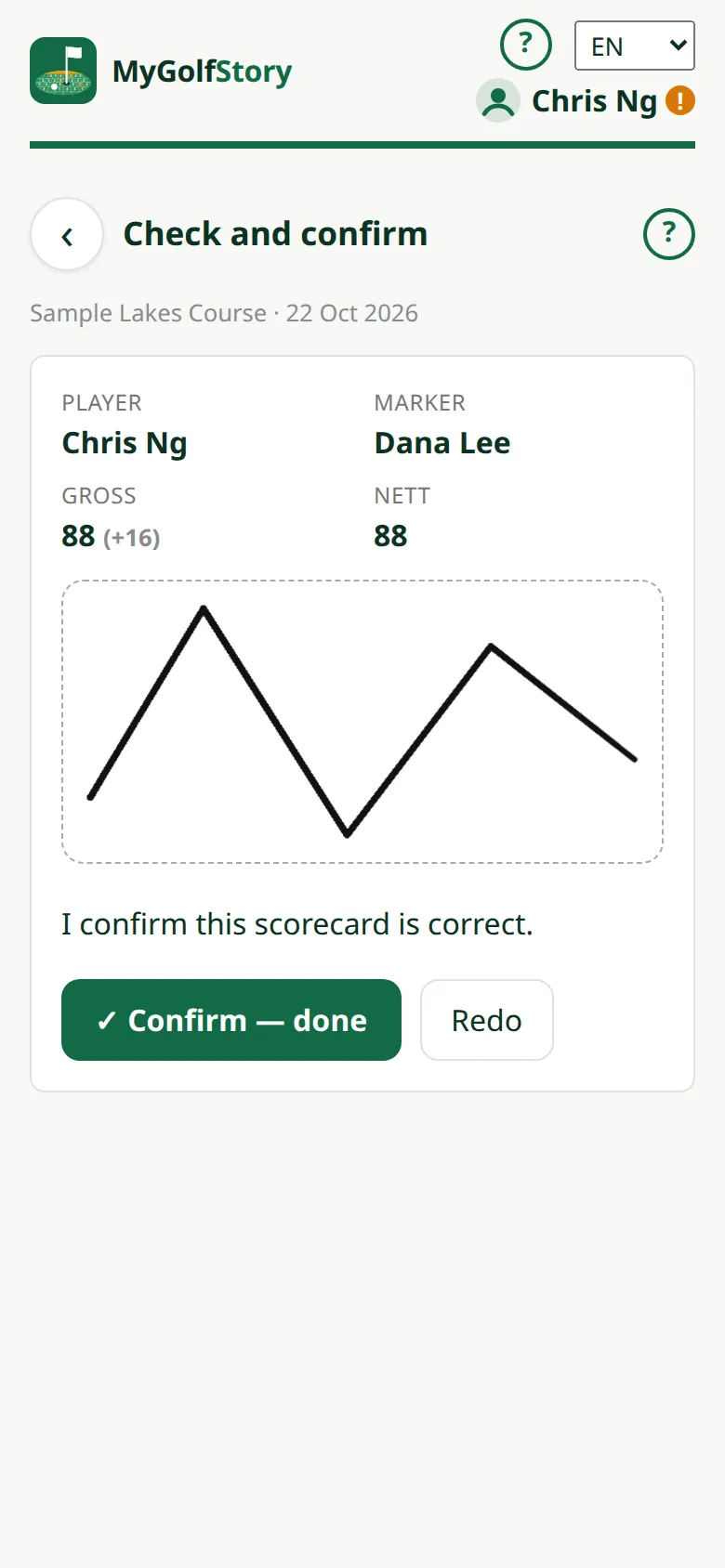
Check your signature with your Gross and Nett, then tap Confirm — done. Redo starts again. Nobody else sees it until you confirm.
-
4Who is still waiting
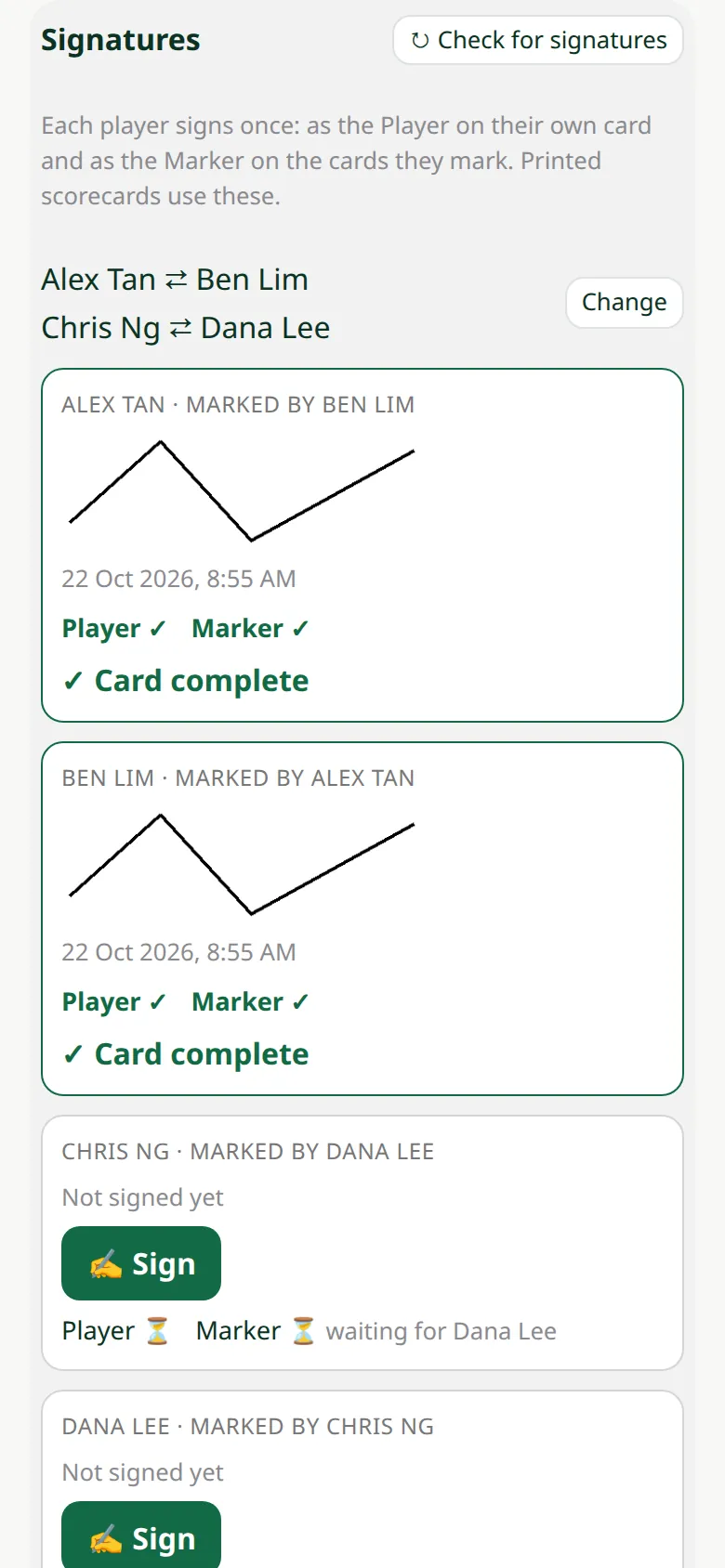
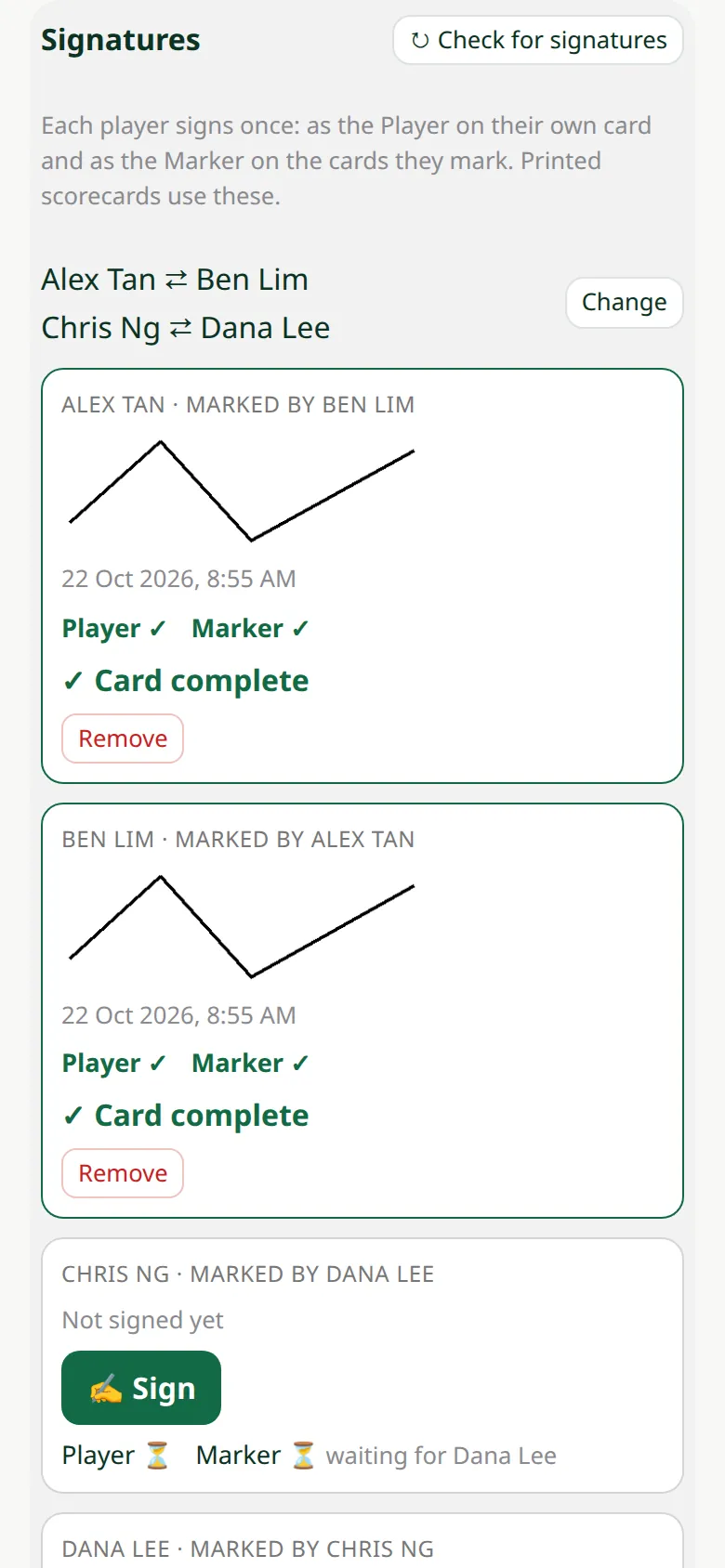
Each card shows Player and Marker ticks: "waiting for ..." until both have signed, then Card complete. ↻ Check for signatures brings the others' signatures in at once.
-
5Sign with the QR code
A player without an account signs from the game's scoring QR code, which works for 2 hours after the game is finished.