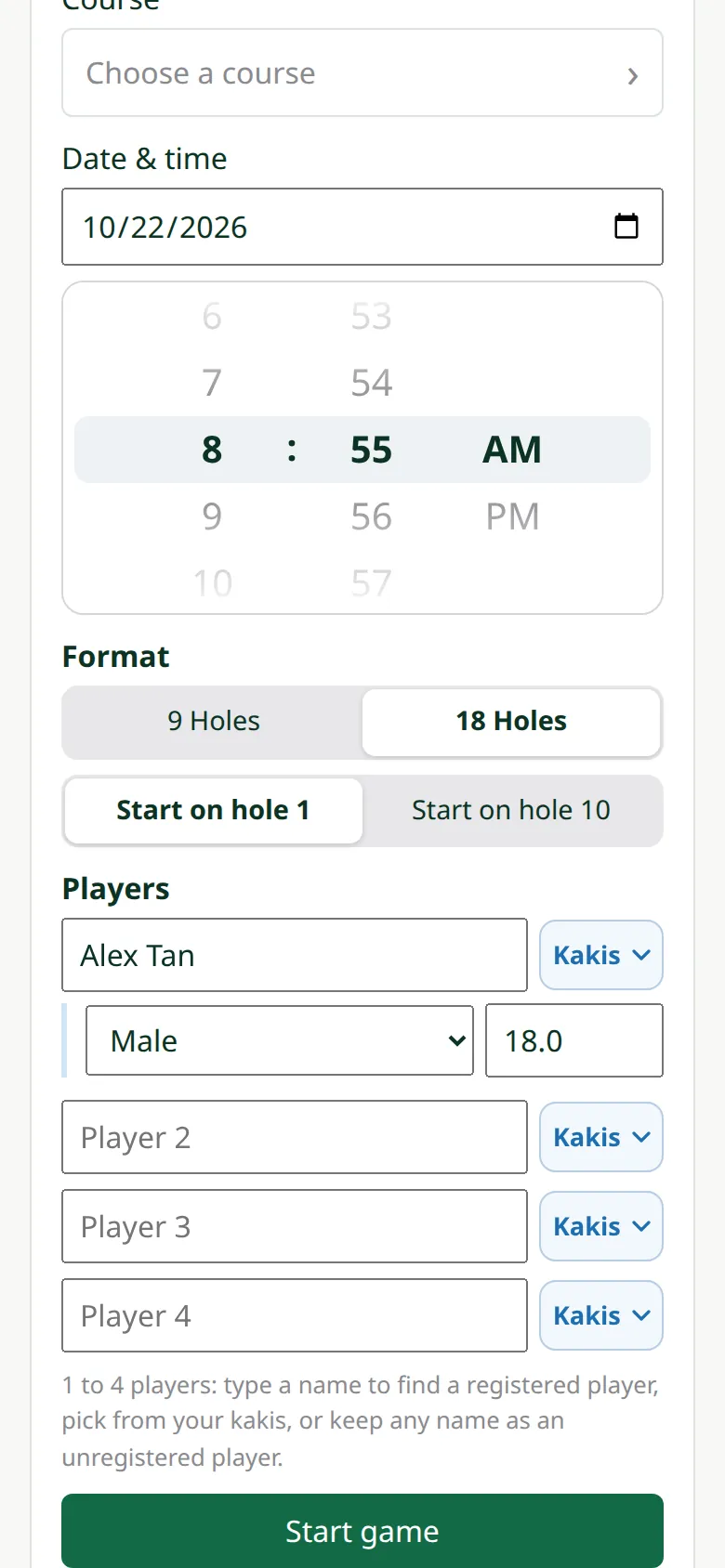
Create a game
 MyGolfStory
Start the game before tee-off; anyone in it can enter scores.
-
1New game
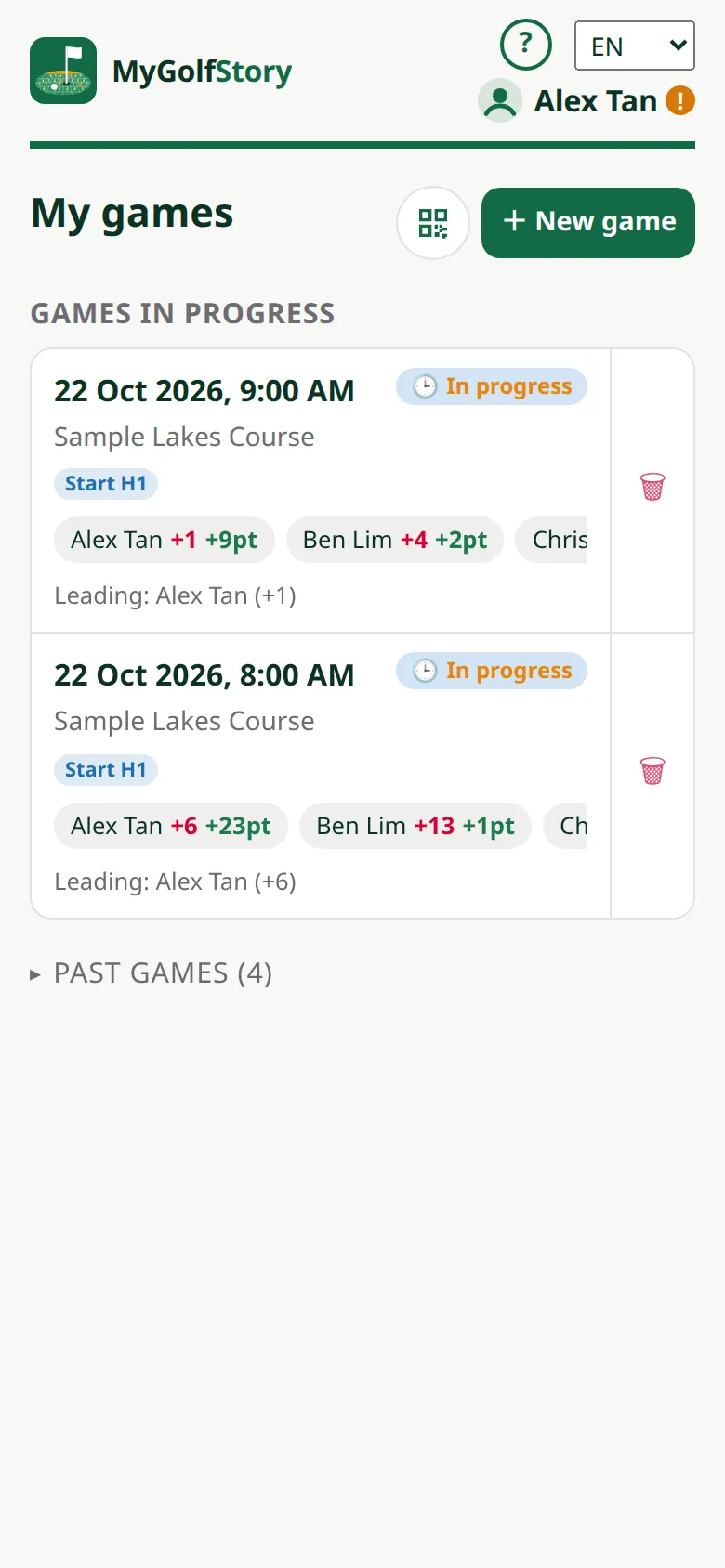
On My games tap New game.
-
2Choose the course
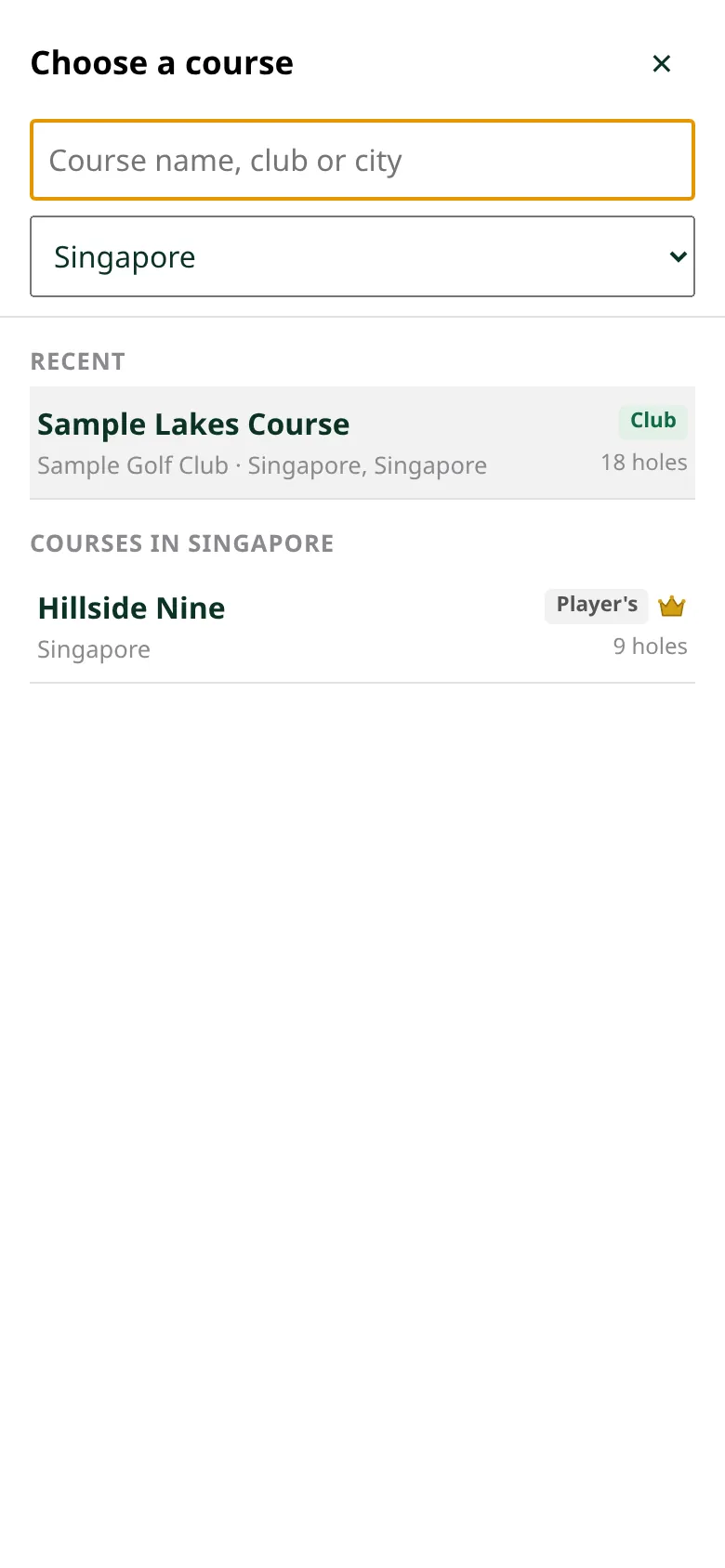
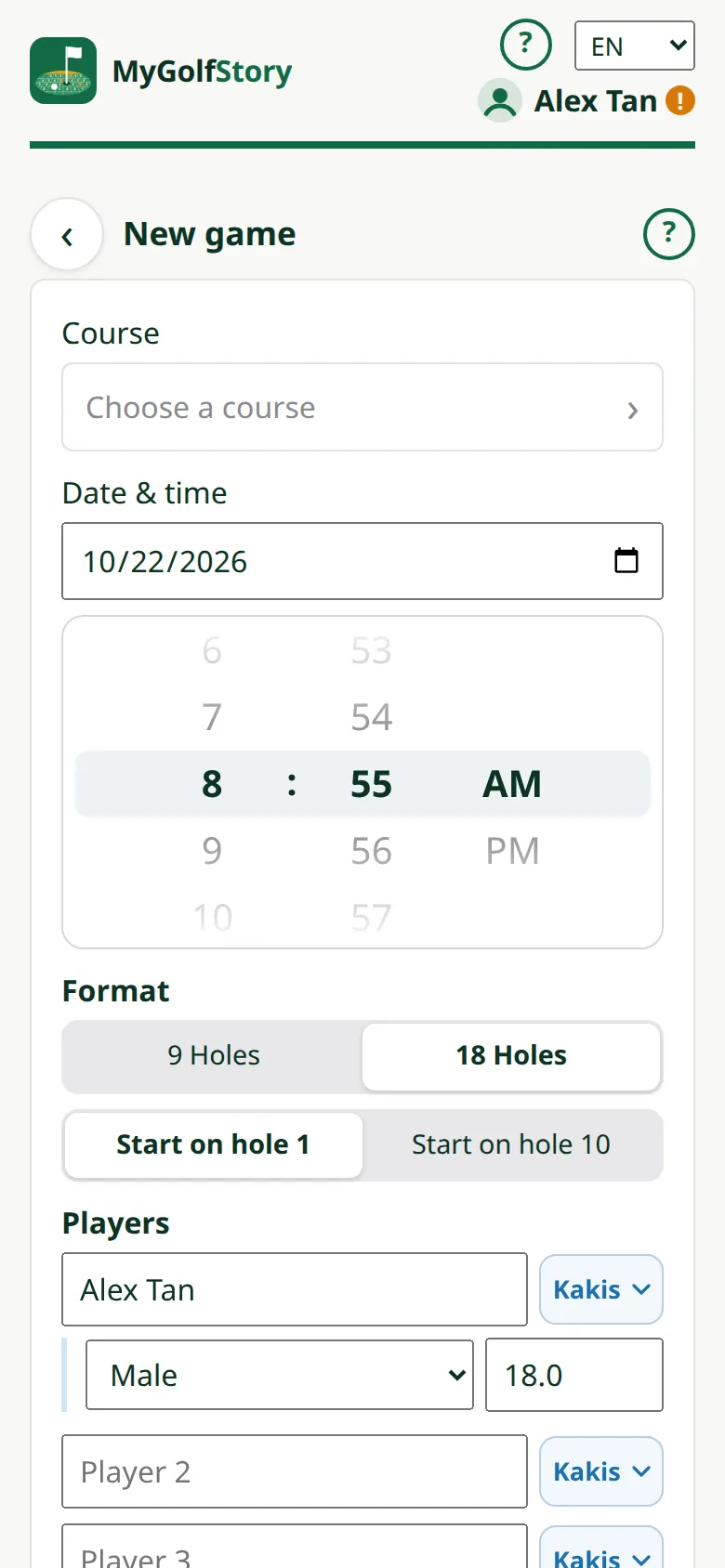
Tap the course to open Choose a course: type a course name, club or city, or pick a country. Your recent courses, My courses and your clubs' courses come first. A course with the crown is for Pro players.
-
3Holes and start
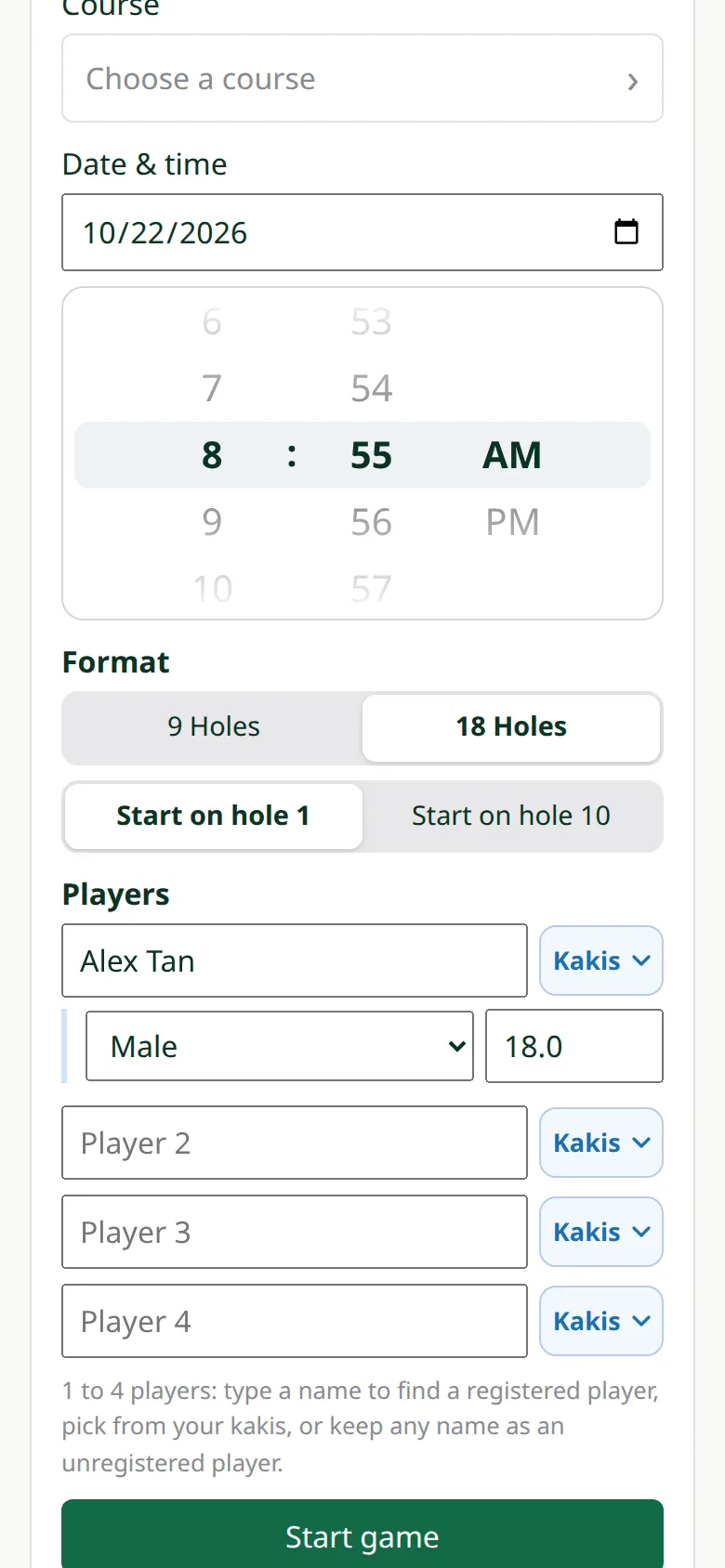
Choose 18 or 9 holes. 18 holes on an 18-hole course can Start on hole 10; on a 9-hole course pick a 2nd course to make 18. Each player's tee follows their gender; change it on the card.
-
4Add the players
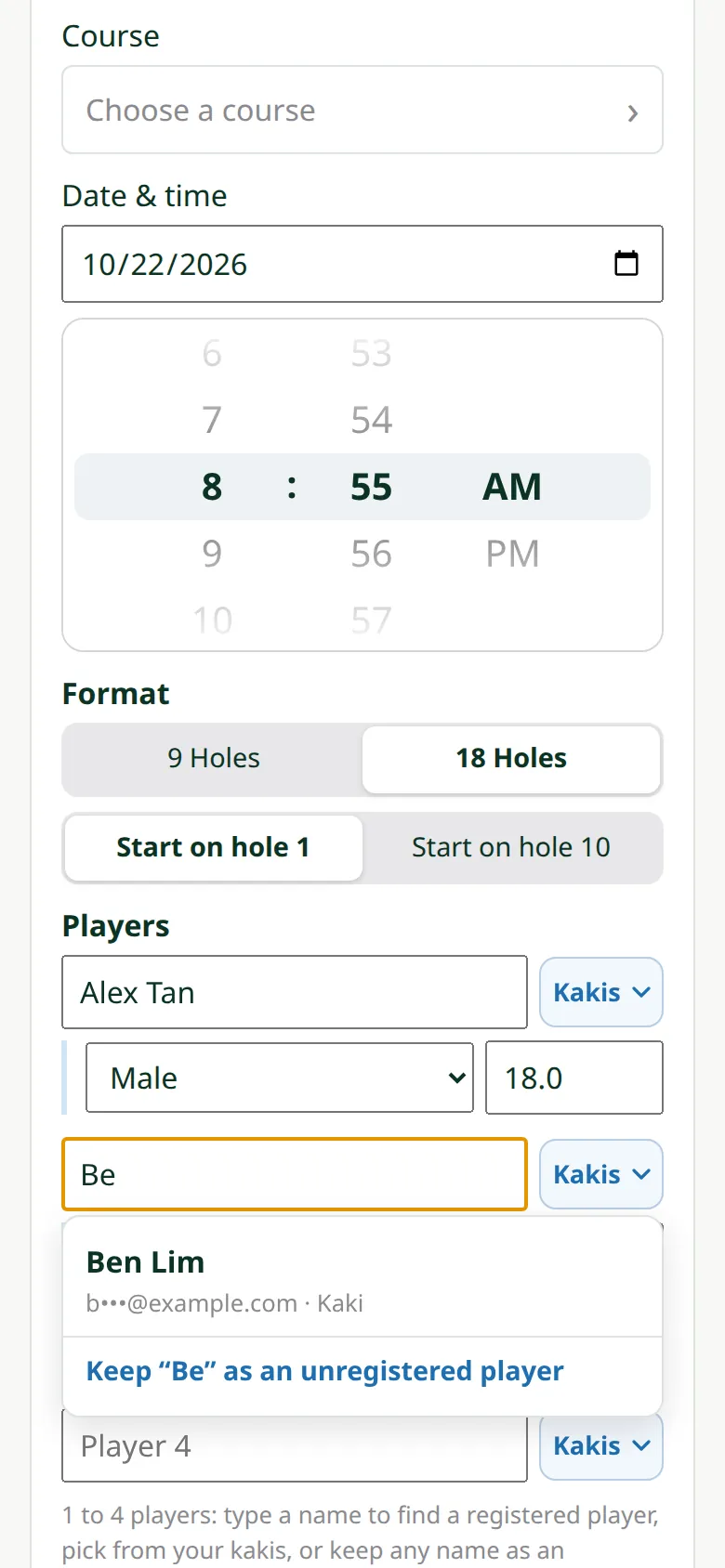
Start typing a name: registered players come up to pick, and Kakis lists players you've played with. Anyone else is added by name.
-
5Date and time
Set when you tee off; a game set for later waits under Upcoming Games.
-
6Start
Tap Start game. The scorecard opens at the first hole.