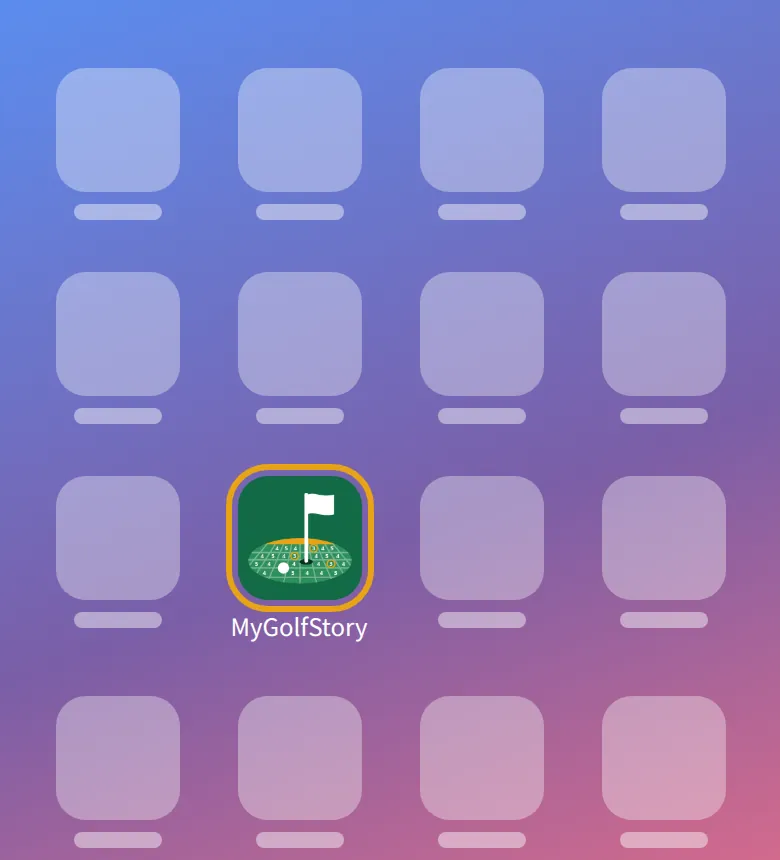
Add to your home screen
 MyGolfStory
Put MyGolfStory on your home screen: it opens full screen from its own icon, like an app. Nothing to install from an app store.
-
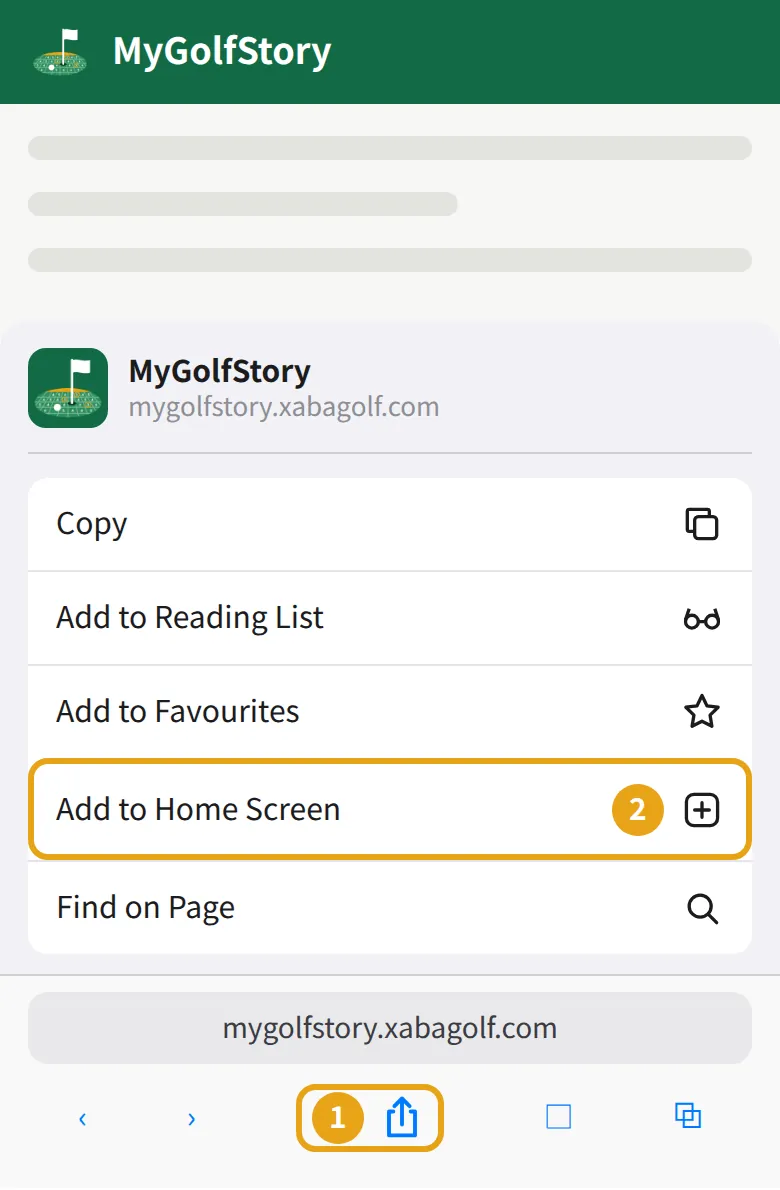
1iOS: Safari
Open MyGolfStory in Safari, tap Share (the square with the arrow), then Add to Home Screen and Add.
-
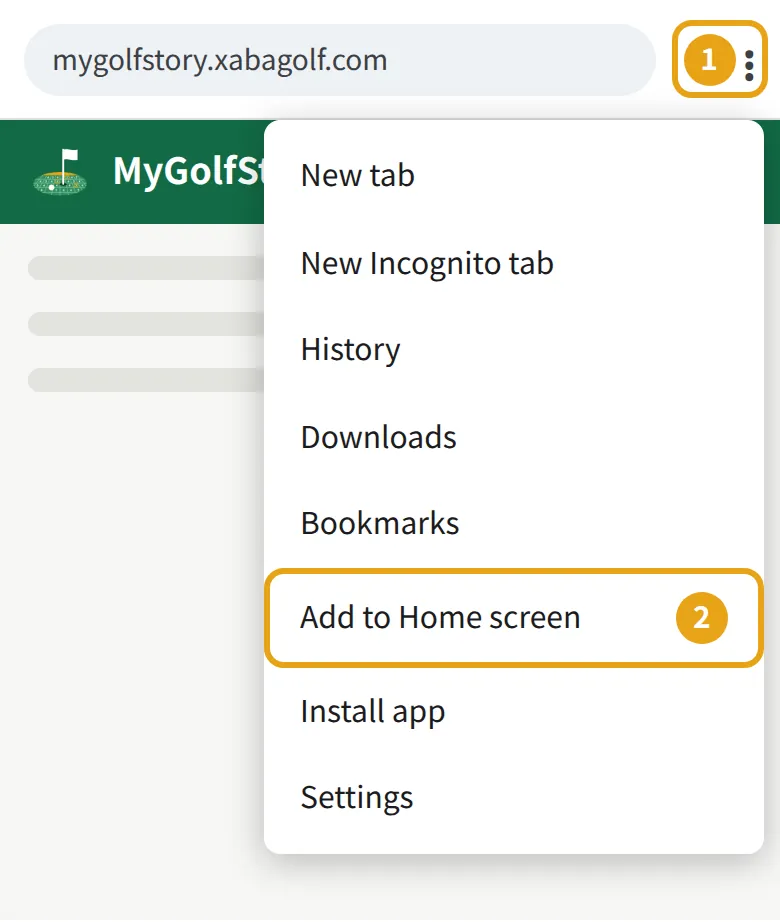
2Android: Chrome
Open MyGolfStory in Chrome, tap ⋮ at the top, then Add to Home screen or Install app, and confirm.
-
3Open it from the icon
Tap the MyGolfStory icon: it opens full screen. On iOS, sign in once more the first time: the icon keeps its own sign-in.