Sign up
 MyGolfStory
Your own account keeps your games, scores and signatures together, on any device.
-
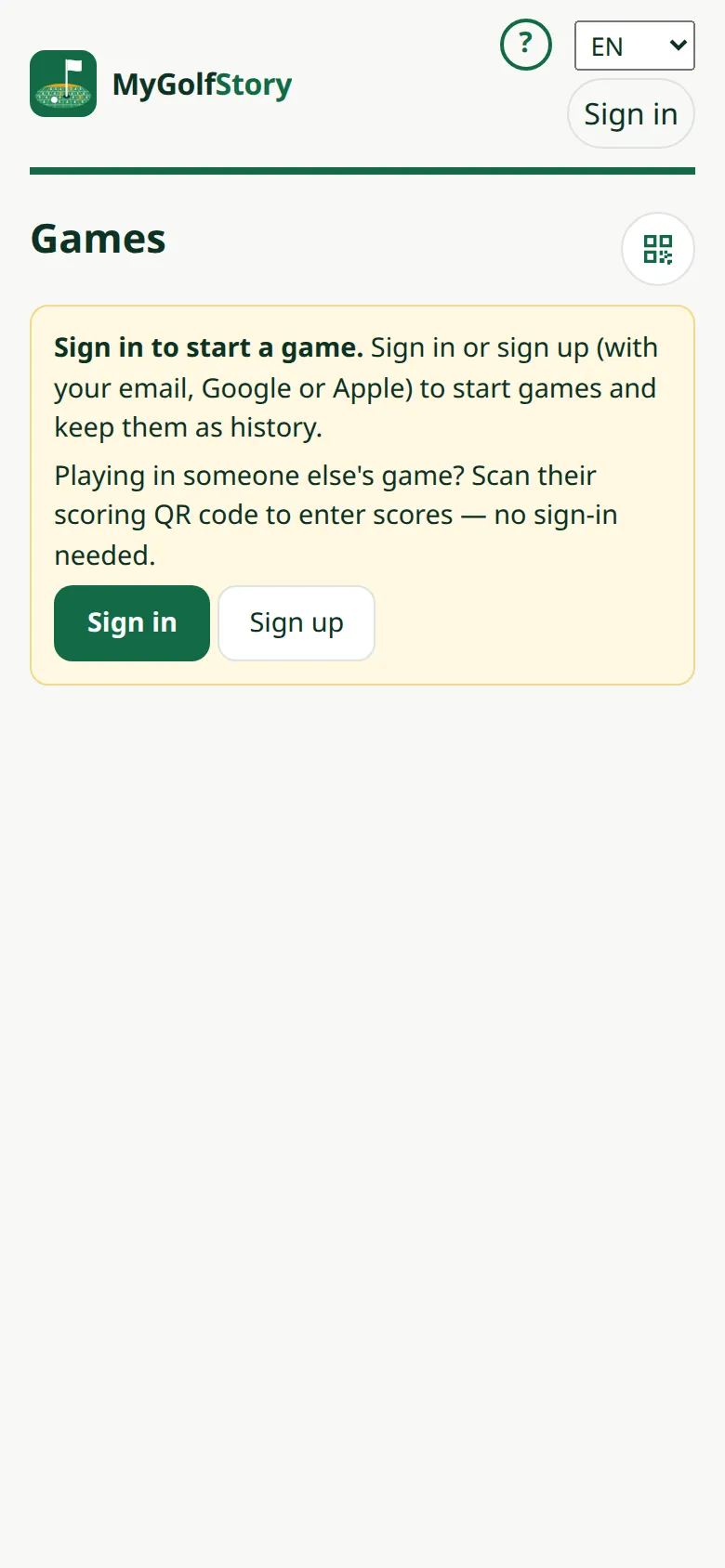
1Open MyGolfStory
Scan the club's QR code or open MyGolfStory, then tap Sign up.
-
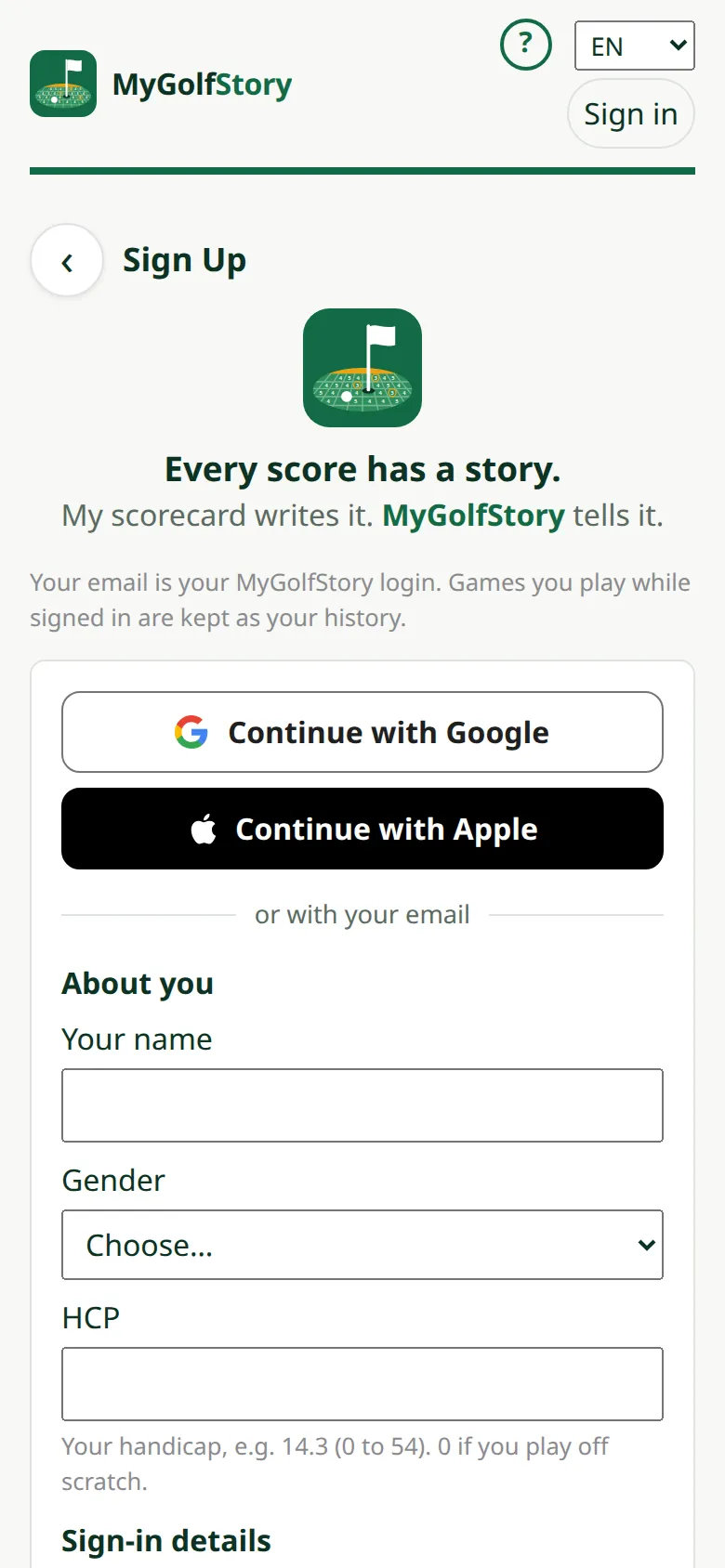
2Sign up with Google, Apple or email
Tap the Google or Apple button, or fill in your name, email and a password and tap Sign Up.
-
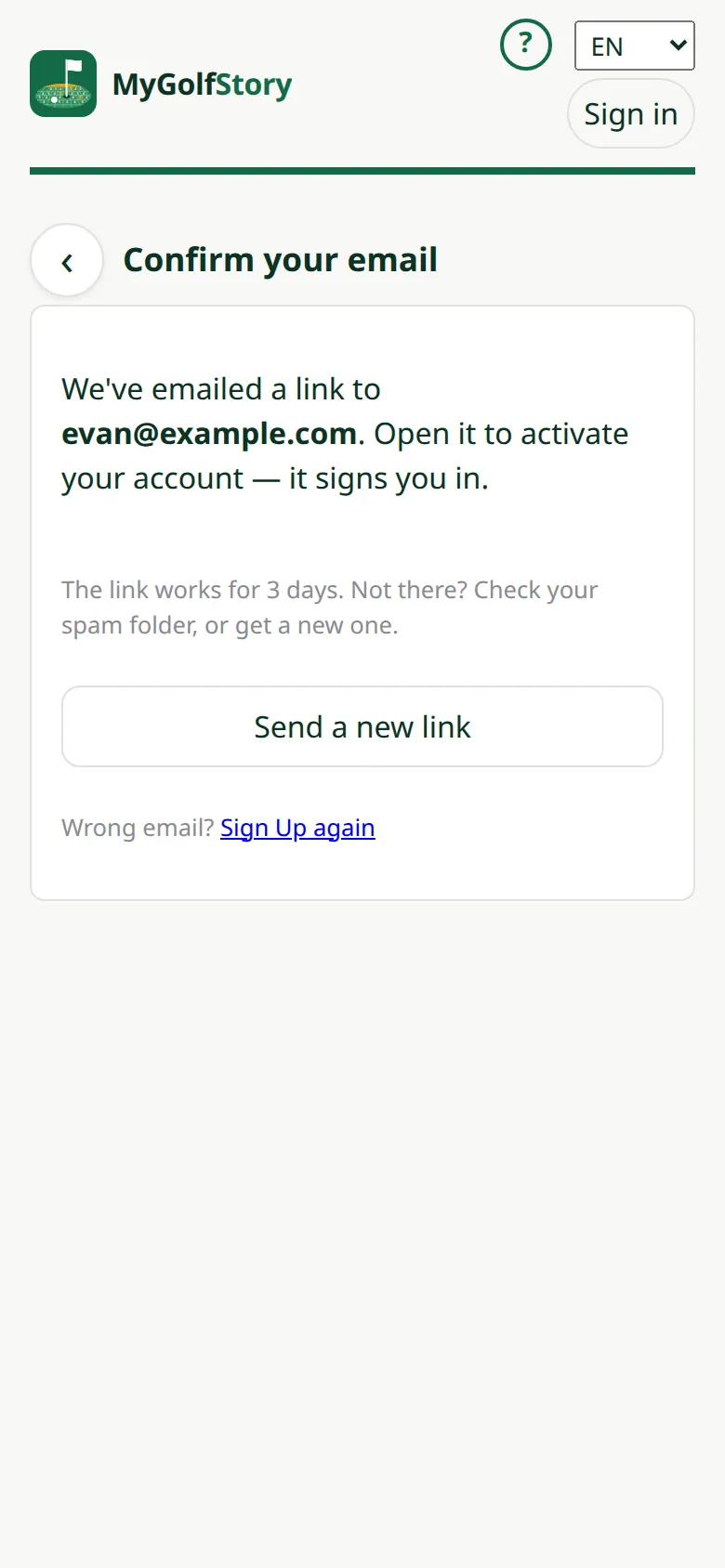
3Confirm your email
Signing up with email sends a link: open it to confirm the address is yours.
-
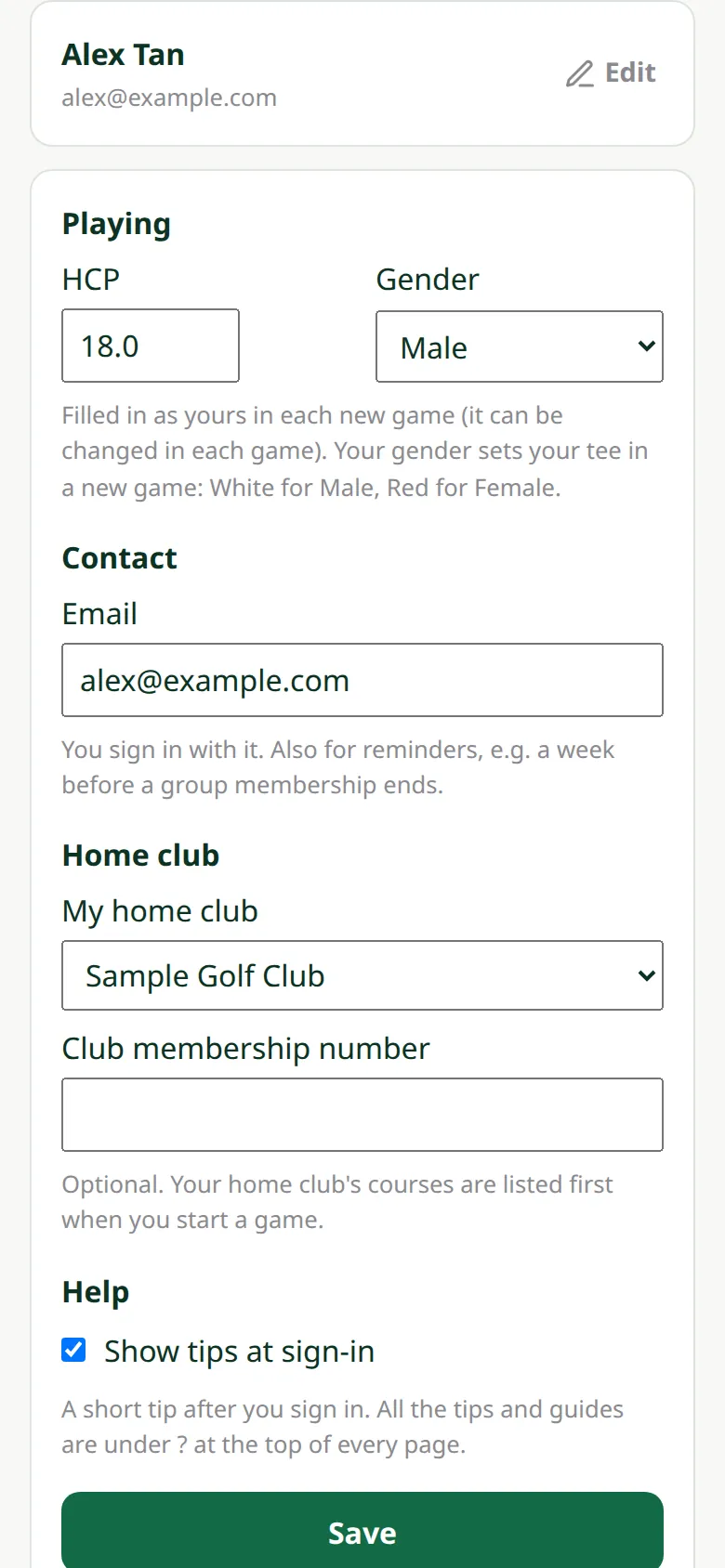
4Your details
Add your HCP, gender and home club. They are filled in for you in every new game; change them any time in My account.
-
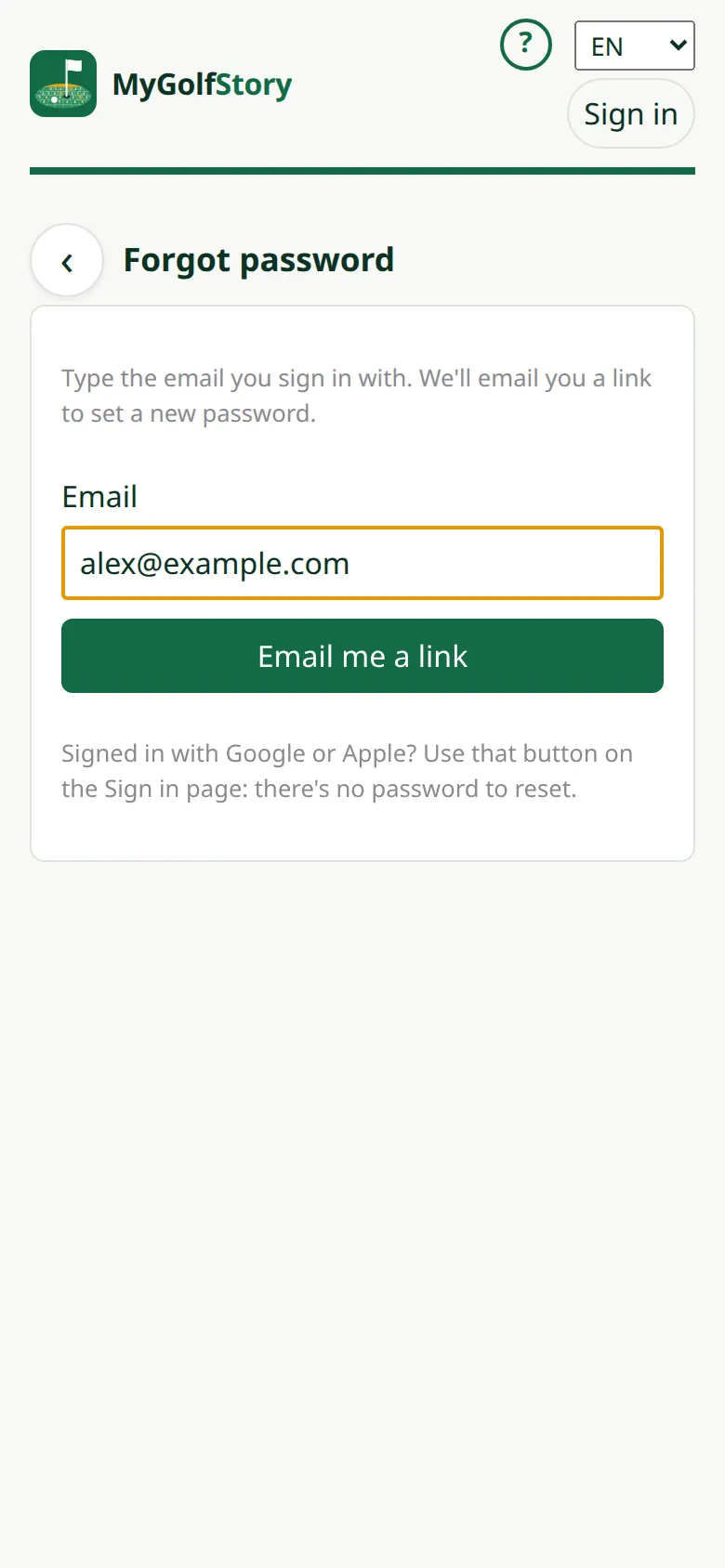
5Forgot your password
On Sign in tap Forgot password? and type your email: we email you a link to set a new password. It works once, for 24 hours.